
Rainbow & Speak English for academies
Bring a story to your next young learners’ course.
Rainbow & Speak English is a library of story-based English activities for young learners, with a recorded voice in every activity.
The recording plays; the teacher hears the child. No speech recognition or pronunciation scoring.
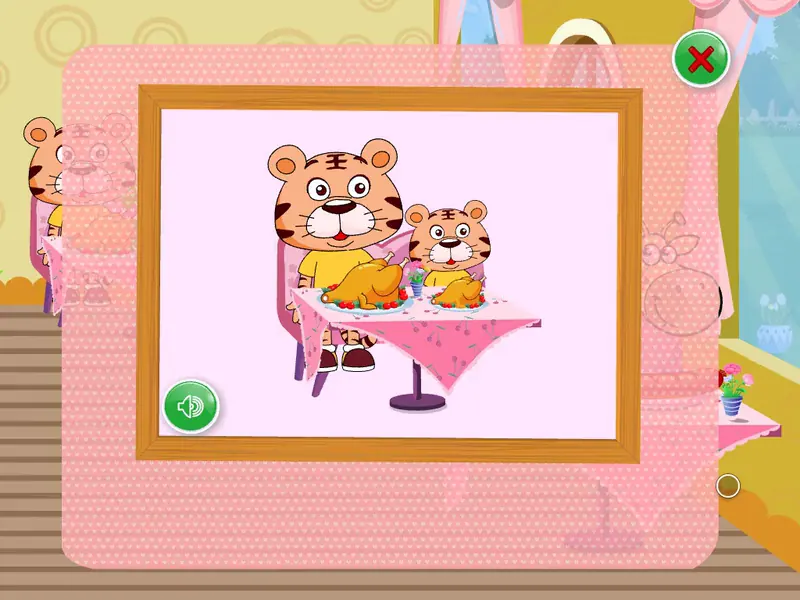 Play 0:48, with sound and captions
Read what is said
- NOTE Reviewed by hand against the recording. Speech recognition drafts
- are not published unreviewed.
- Rainbow Restaurant.
- Rainbow Restaurant.
- Welcome to Rainbow Restaurant.
- There is a lot of delicious food and a lot of customers.
- Can you find the question mark in the restaurant?
- Click on the question mark to play.
- Click on the bigger chicken.
- Bigger?
A little politeness before lunch
What would you feed a hungry snake?
“An apple, please.” The Hungry Snake’s recording asks children to click on food to feed it. Before a pupil chooses the food, invite them to ask for it. Then ask the class what they would like for lunch.
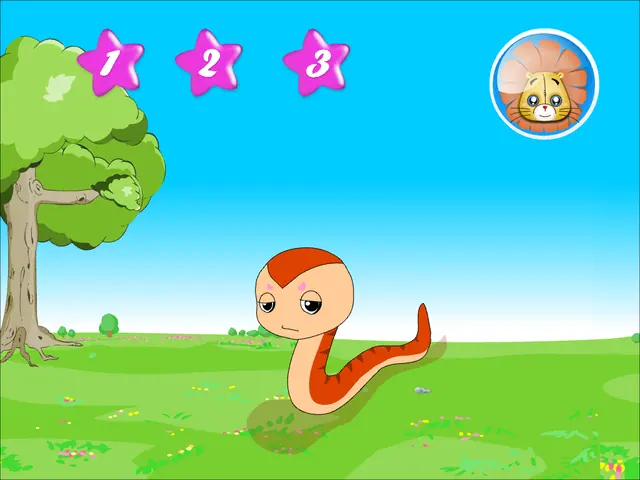
Opening frames from the activities.
Follow the story into the next lesson.
Lessons return to the story’s language.
Browse the courses alongside your teaching plan. Choose what to introduce now and what you would return to with the same class.
8 course levels, 32 units, 288 lessons and 821 activities.
From your course plan to the classroom.
Put material in front of your teachers
Ask a teacher to select an activity for an upcoming topic and suggest the questions they would use.
The activities are already made and recorded.
Decide who needs access
Name the staff, learners and branches you want to include when discussing licence scope.
A separate identity and subscription service controls who can open a lesson. Access can be granted and withdrawn.
Plan for your teaching rooms
List the computers and speakers you intend to use, and ask your IT colleague about the network.
Desktop playback works offline after online activation. Compare delivery options.
Listening, then reading
Press the speaker. Choose the right one.
A recorded voice in every activity. The recording plays; the teacher hears the child. No speech recognition or pronunciation scoring.
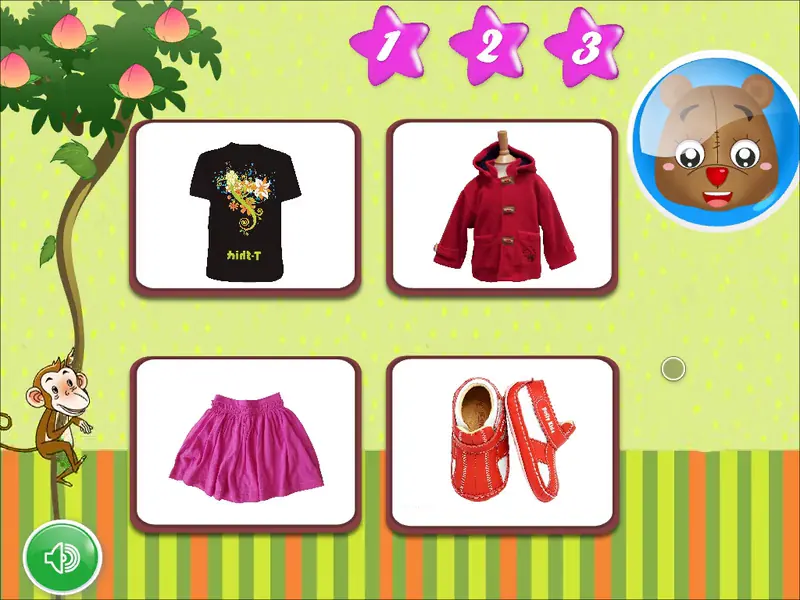 Play 0:56, with sound and captions
Read what is said
- NOTE Reviewed by hand against the recording. Speech recognition drafts
- are not published unreviewed.
- Skirt.
- Shoes.
- Coat.
- T-shirt.
- You did a great job!
- Listen and choose the right picture.
- If you want to listen again,
- click on the louder speaker.
- Please help the monkey get the peaches.
- Shoes.
- Coat.
- Listen first. In Listen and Choose, the child presses the speaker and chooses the clothing it names — first from pictures, then from written words.
- Ask before they press. Invite the class to say the word together before a pupil chooses.
- Take it off the screen. Ask pupils to point to something they are wearing and name it.
A real run of the activity, answered correctly.
Before choosing for your classes
How do we decide which classes it suits?
The material is written for young learners. No single age band fits every school, so which of your year groups it suits is a judgement for your academic team, looking at the real activities.
Try planning an exchange for the class you have in mind. What could they say already, and what would you need to introduce?
Does it come with a curriculum alignment map?
We do not publish a curriculum alignment map — an honest one needs a reviewer working to your syllabus.
Can the activities carry our academy’s branding?
We do not re-brand the activities.
What about learners who need accessible activities?
The activities are visual and audio-led, built for a pointer or finger. They have not been assessed against an accessibility standard.
Which branch would you like to try it in?
We propose a paid classroom pilot with named teachers, an agreed scope and a decision date set before it starts.
Bring the names of the classes and teachers you would involve. Decide which teaching and setup questions you want to explore in the pilot discussion.
Tell us about your next young learners’ class.
What do you want to teach, and which activity would you like to explore? Include the branch you have in mind.
We quote after discussing your campuses, learners and rollout requirements.